€320,00 + Taxes
In stock
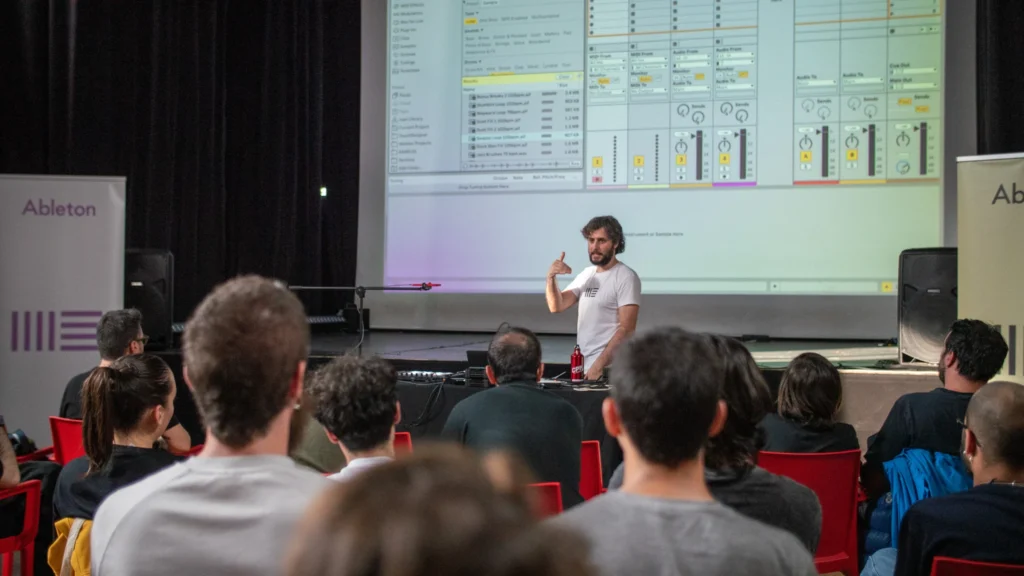
Learn how to turn your musical ideas into finished tracks in this 8-week hands-on course with Federico Pepe, an Ableton Certified Trainer who has more than 15 years of experience as an educator, musician, and producer. Step by step, you’ll learn how to use Ableton Live’s tools to create beats, record and edit audio, write melodies, and shape your own sounds. The course takes place in a creative and engaging setting. Whether you’re completely new to music production or looking to build confidence in your workflow, you’ll finish the course with a strong understanding of Live’s core features and your very own completed track, ready to share with the world.
Online(ZOOM)
This first session introduces students to Ableton Live’s unique environment and creative workflow. We explore the key concepts that make Live different: from Session and Arrangement Views to clips, scenes, and the idea of non-linear creation. Through guided exercises and hands-on play, students learn how Live organizes sound, how to navigate its interface, and how to build their very first beat using loops and clips from the Live Library.
This week focuses on understanding the two main types of material in Live: audio and MIDI. Students learn how to record an instrument or voice, draw MIDI notes by hand, and capture performances using a computer keyboard or MIDI controller. Through practical examples, they discover how to blend both worlds to build their first short composition, a combination of recorded sound and programmed instruments.
Now that students understand the basics, we dive into rhythm and groove. Using the Drum Rack and MIDI sequencing tools, learners create original drum patterns and explore how timing, swing, and dynamics shape musical feel. They experiment with layering percussion, editing velocity, and using the Groove Pool to add human touch. By the end of the class, each student has a complete rhythmic foundation to build upon.
This week is all about exploring and transforming sound. Students learn how to warp and stretch audio, slice samples into new instruments, and manipulate loops creatively using Live’s editing tools. They discover how any piece of audio, a vocal, a field recording, or a found sound, can become a rhythmic or melodic element. The class culminates with a short creative task: turning an existing sample into something entirely new.
Building on the previous sessions, this week introduces composition through MIDI. Students explore several ways of generating musical material, from drawing notes manually to using MIDI effects like Chord, Scale, and Arpeggiator, as well as creative tools like MIDI Generators and Transformations. Through guided exercises, they learn to construct harmonic structures and melodies that interact dynamically with their beats.
This session focuses on turning loops into full songs. Students learn how to move from Session View performance to Arrangement View composition, recording and editing clips to create a complete track structure. We discuss energy flow, contrast, and transitions between sections, as well as using automation to shape movement over time. By the end of class, each student begins transforming their ideas into a cohesive musical narrative.
With the structure in place, students focus on giving their music character and depth. This week introduces the basics of synthesis, layering, and creative effects. Learners explore how parameters like filters, envelopes, and LFOs influence sound, and how automation can bring tracks to life. The goal is to refine and personalize each project, adding textures, transitions, and motion that express each student’s creative voice.
In the final week, students learn how to polish and present their work. We cover simple yet effective finishing techniques, adjusting levels, EQ, and panning; using send effects for reverb and delay; and preparing a final export for listening or sharing online.
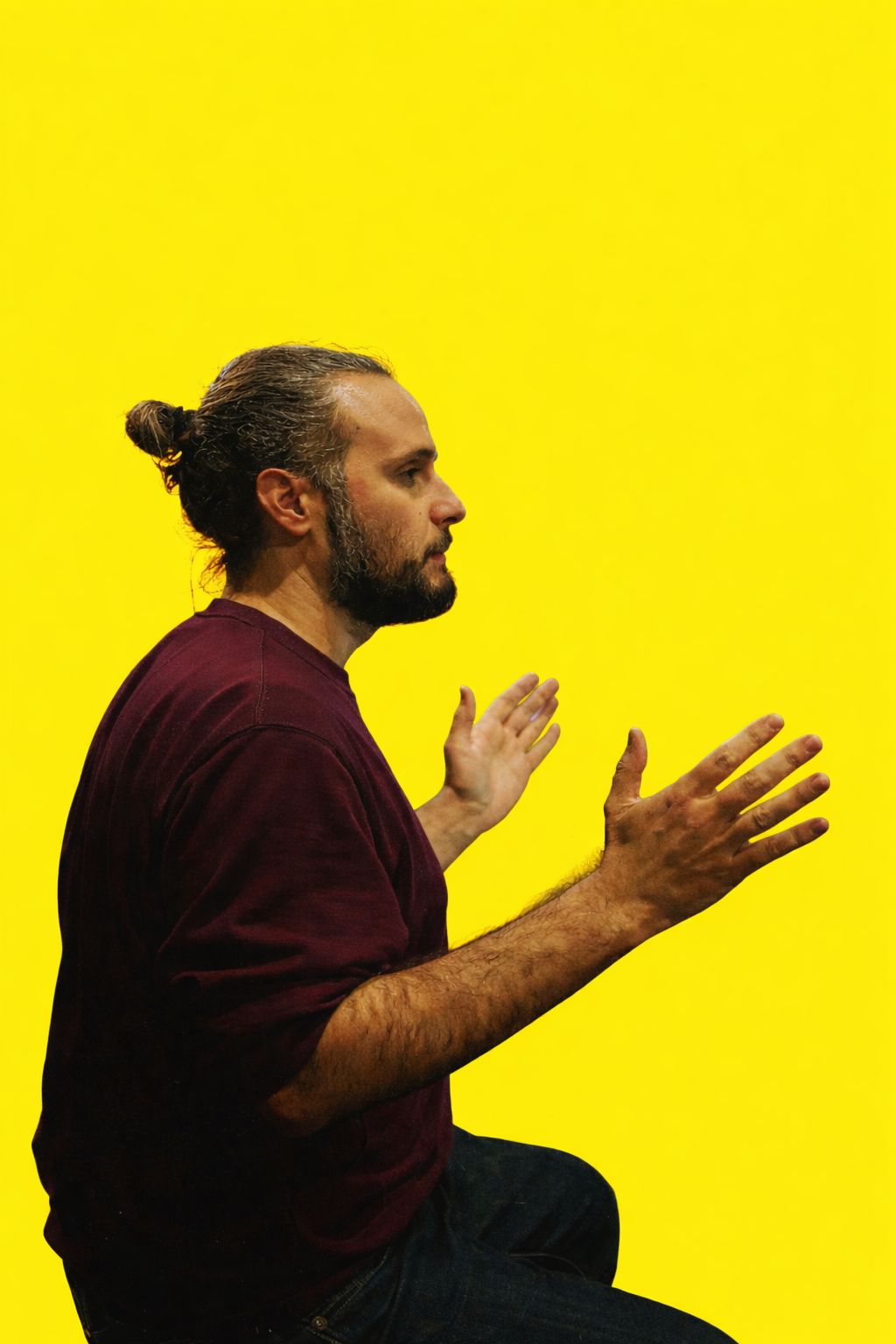
Always passionate about music and technology, Federico Pepe now likes to describe himself simply as an expert in music technology.
Over the years, his studies and personal and artistic research have led him to investigate all the possible connections between these two disciplines.
Since 2021, he has been working for Ableton as Ableton Brand Manager for Italy, overseeing projects, relationships, and activities on behalf of the company throughout the country.
Before embarking on this new adventure, he worked for more than 10 years in the education sector, working for the University of Udine, ALOUD College in Verona, and the University of Rome Tor Vergata, among others. In 2018, he became an Ableton Certified Trainer and still regularly holds courses, workshops, and presentations.
As a freelancer, he has supported numerous artists in their studio and live productions.
Drawing on all the experience he has accumulated over the years, in 2025, together with Riccardo Marcucci (Ableton Product Specialist), he founded Frequenze, an Ableton Certified Training Center that offers online courses on everything related to Ableton products and, more generally, music production.
The desire to help people achieve their goals is what drives him to do everything he does. He loves learning new things, tackling new problems, and passing on everything he has learned over the years in the simplest and most understandable way possible.
Submit the form now to get more information about our high-learning workshops and courses.

We’ve designed a powerful and inspiring Pattern Workshop for anyone looking to explore the
Learn how to turn your musical ideas into finished tracks in this 8-week hands-on
We have prepared a very powerful workshop for those who want to make a

We’ve created a dynamic and inspiring Comics & Visual Storytelling Workshop for those who

Painting, Music, Dance and More